


Intelligent lighting in Tesla-vehicles: Everything you need to know
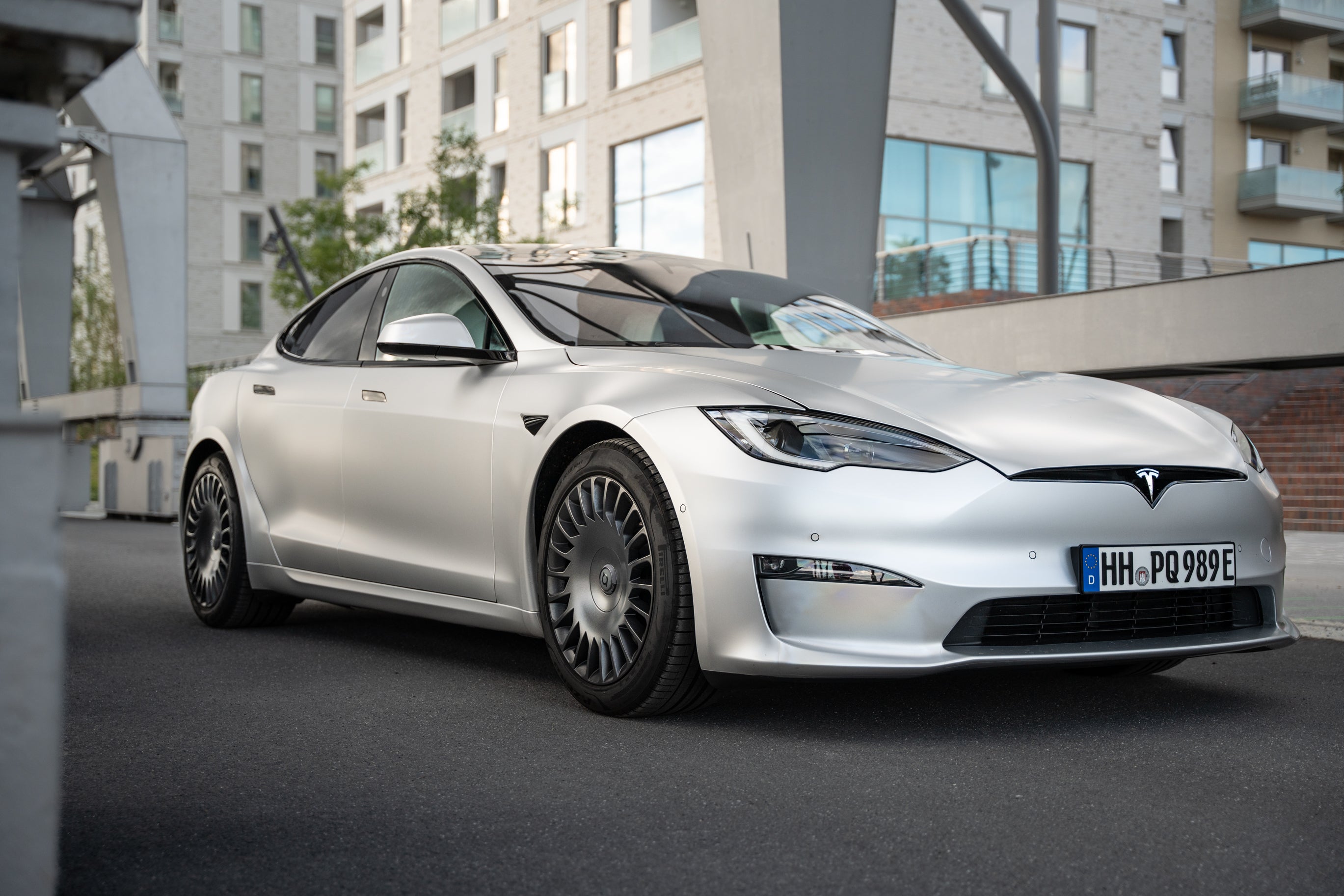
The lighting in your Tesla not only plays an important role in safety, but also offers numerous intelligent functions that improve your driving experience. In this article, you will learn everything you need to know about controlling the interior and exterior lighting in your Tesla Model S, 3, X or Y, including practical tips and tricks.
Operating the lighting
Via the touchscreen of your Tesla you can conveniently access all lighting functions. To do this, go to Vehicle > Lightsto display the settings for the interior and exterior lighting. You can also briefly pull the blinker lever towards you to call up a quick access menu for the exterior lighting. This is particularly useful if, for example, you want to switch the headlights on or off permanently.
Automatic comfort lighting
Tesla-Vehicles are equipped with convenience lighting that is automatically activated depending on the action you perform. When you unlock your vehicle, open a door or switch to parking mode, the interior lights, marker lights and tail lights are switched on automatically. These lights switch off again after a short time or when you start driving.
Headlight settings
By default, the exterior lights are set to automatic are set to automatic. This means that the headlights, tail lights and license plate lights are switched on automatically in low ambient light or when the windscreen wipers are activated. However, you can adjust the setting manually:
- OffAll exterior lights are switched off (daytime running lights may remain active depending on the region).
- ParkingParking lights, side marker lights, tail lights and license plate lights are switched on.
- On: Low beam and all the above lights are activated.
Fog lights
If your Tesla is equipped with fog lights, you can also activate them via the lighting menu. They are switched on in combination with the low beam and increase visibility in poor weather conditions.
Interior lighting
The interior lighting, including ceiling and reading lights, can be controlled individually. When activated automatic the ceiling lights are switched on when a door is unlocked or opened. You can also switch individual lights on or off manually by pressing the relevant light.
Ambient lighting and steering wheel lighting
Activate the ambient lightingto obtain subtle lighting in the interior as soon as the headlights are switched on. The steering wheel lighting ensures that the controls on the steering wheel are illuminated in low ambient light.
High beam and adaptive bend lighting
You can activate the high beam by briefly pulling the blinker lever. For longer high beam, pull the lever towards you and release it; to deactivate, repeat the process. With the function Adaptive bend lighting adjusts your Tesla automatically adjusts the light distribution to ensure optimum visibility on bends and in oncoming traffic.
Headlights after exit
The option Headlights after exit option keeps the exterior lighting activated for a short time after parking. This is particularly helpful in dark environments. The lights switch off automatically as soon as the vehicle is locked or after one minute at the latest.
Adjusting the headlights
If you feel that the headlights need to be realigned, you can do this via Vehicle > Service > Adjust headlights . Follow the instructions on the screen to achieve the optimum setting.
Indicators and hazard warning lights
The indicators can be activated by lightly tapping the blinker lever for three flashes or by pressing it fully for continuous flashing. The automatic indicators-function can be set to stop flashing automatically after completing a lane change. The hazard warning flashers are switched on and off by pressing the button above the rear-view mirror.
Condensation in headlights or rear lights
It is normal for condensation to form in the headlights or rear lights in certain weather conditions. This usually disappears by itself. However, if you notice an accumulation of water or visibility is impaired, contact the Tesla Service.
Conclusion
The lighting of your Tesla is equipped with many intelligent functions that not only increase safety, but also improve comfort. By individually adjusting the settings, you can tailor the lighting system to your needs.
Keywords: Tesla Lighting, Tesla Adjust headlights, Tesla interior lighting, Tesla Adaptive bend lighting, Tesla high beam, Tesla ambient lighting, Tesla blinker functions, Tesla lighting control, Tesla Fog lights, Tesla Headlights after exit, Tesla, Tesla Model Y, Tesla Model 3, Tesla accessories
--
Did you like our article? If you are already a proud Tesla-driver or would like to become one soon, visit our online store Shop4Tesla and secure your 5% discount on all products with the discount code: NEWS4TESLA.
In our extensive range you will find a variety of high-quality Tesla-accessories for every model. Discover exciting innovations and accessories that will make your Tesla-experience even better - www.shop4tesla.com.